Grisbot Catch and Release

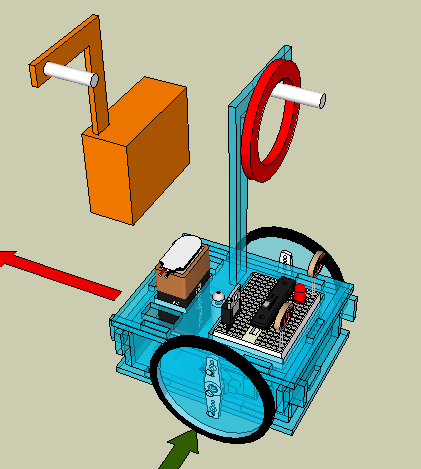
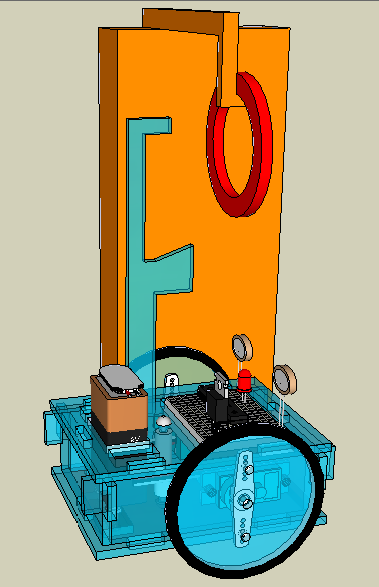
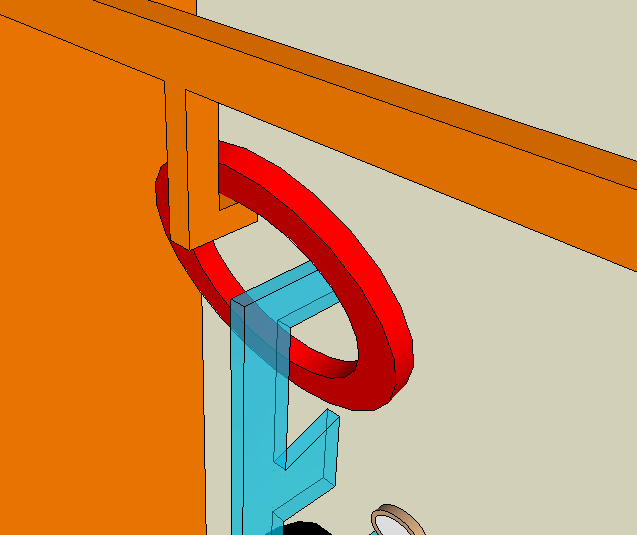
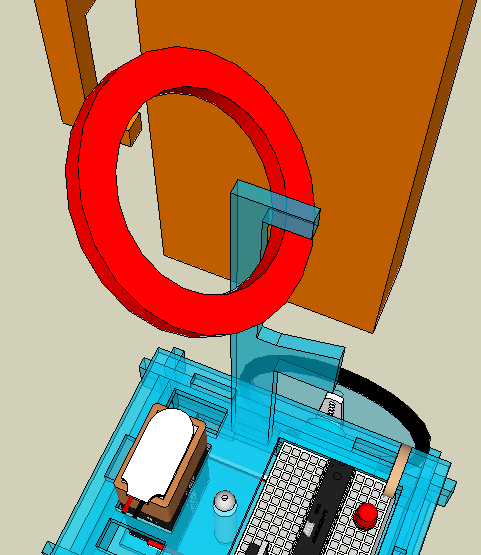
Introducing the new, perhaps improved, L-catcher:

l-catcher

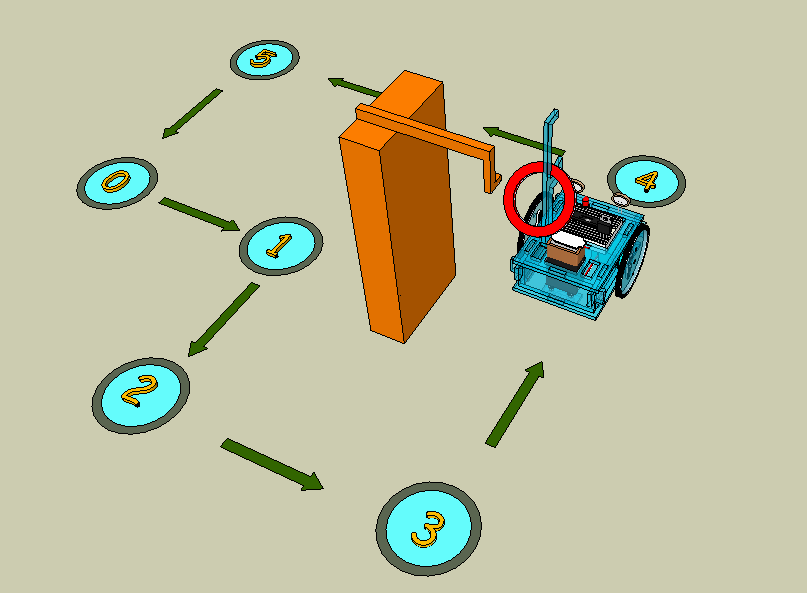
Why an L-catcher? Because I think it can be used to not only catch but also release hoops. Here’s an example course for how releasing (aka ‘delivering a hoop’) could work:

releaser 00

First we drive past the hoop receiving station:

releaser 01

Then we position ourselves in front of it:

releaser 02

Now we turn:

releaser 02a

The red arrow on the driving surface between waypoints 2 and 3 means that we’re in reverse:

releaser 02b

And ta-da:

releaser 03

Can Grisbot’s servos be timed with enough accuracy to perform this operation? Can a catch operation be combined with a release operation? Those are the challenges.

Posted in Uncategorized | Tagged , , , , | Leave a comment

Grisbot Hoop Capture Challenge

Grisbot not only maneuvers, now it can capture and retrieve objects. At any rate, I’m thinking of making a hoop capture challenge. Roughly, the hook device and the capture operation look like this:

catcher a

catcher b

catcher c

catcher d

catcher e

Because the hook automatically captures the hoop, the user need simply program the course as before. To illustrate, here’s an example challenge:

catcher f

Posted in Uncategorized | Tagged , , , , | Leave a comment

Program revision bookmark

The grisbot program written in the Arduino IDE has grown to 20K, or about twenty typewritten pages. It takes many sessions to write the code and then to revise it. When I take a break and come back later, how do I find the place where I left off?

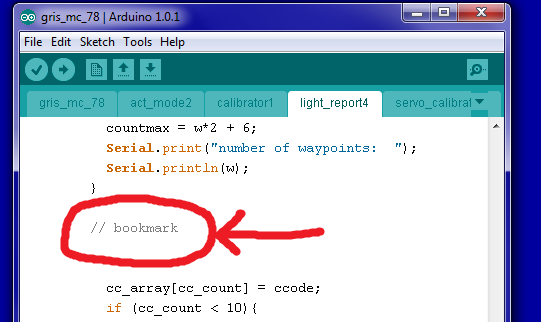
Well, instead of relying on aging memory or scrolling for wasted minutes, my very simple tip/trick is to foresee the problem and make a ‘bookmark’ comment can later be quickly located with the IDE’s Find feature:

bookmark

Sadly, the Find has to be done on each tabbed section in the IDE code, but still this technique is a time saver.

Posted in Uncategorized | Tagged , , | Leave a comment

Visiting Hax Nuit

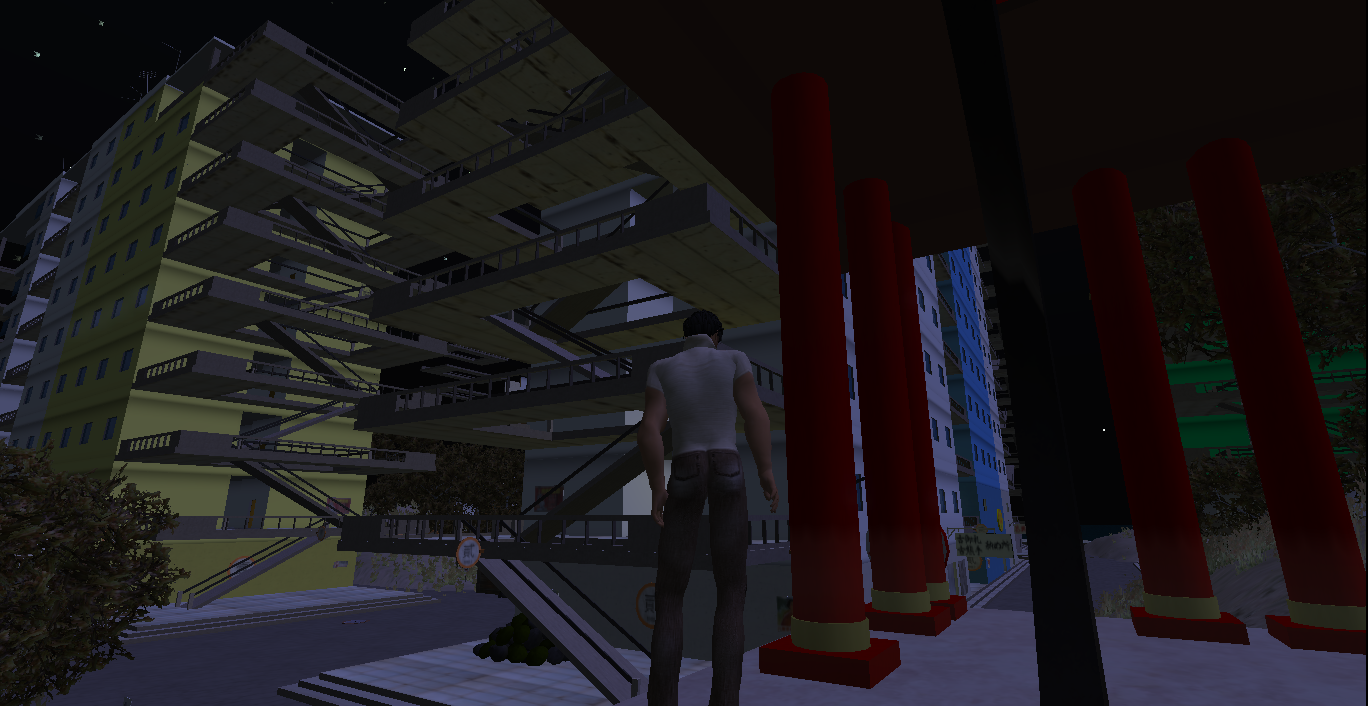
hax nuit water_002

One of the virtual worlds at Kitely.

Posted in Uncategorized | Tagged , , | Leave a comment

Progress Bug in Scratch

Instead of a conventional status bar to track the progress of the data transmission, I decided it would be more fun to make a ‘progress bug.’ The bug would look like the robot and march across the screen as the data is being transmitted.

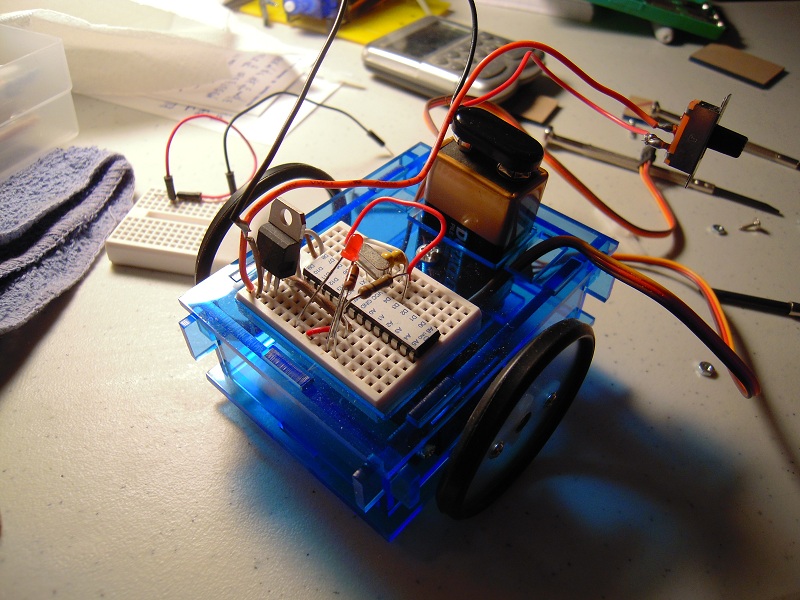
So the first task was to render Grisbot as a sprite. For reference, here again is how the robot looks in real life (prior to adding photocells):

DSCN8507

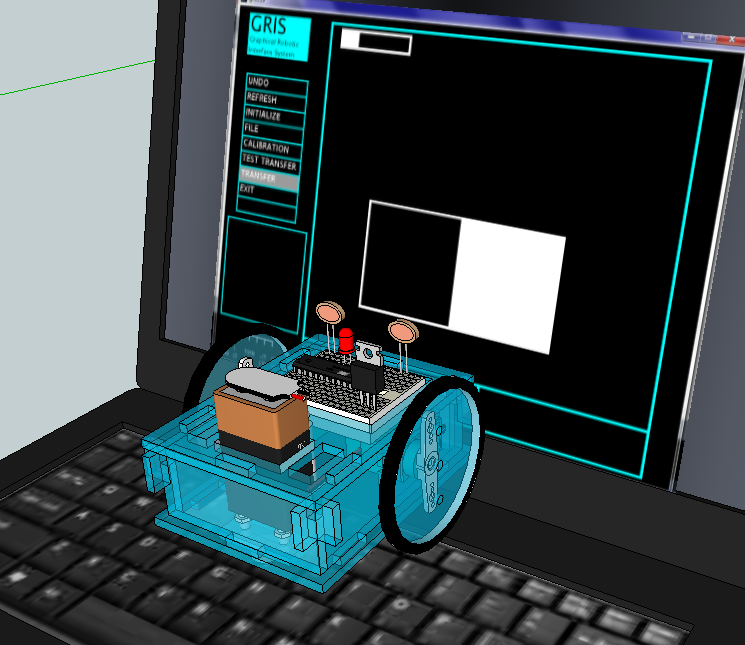
And here again is the rendering in Sketchup of how the robot is positioned to read data from a computer screen:

gris_config1

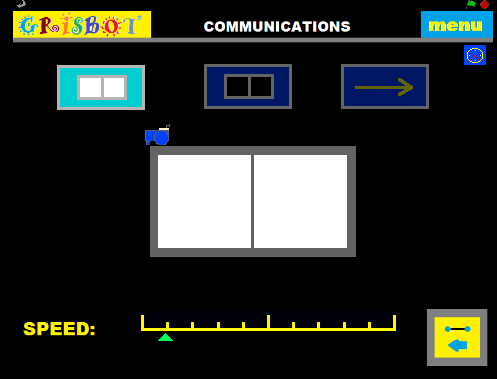
So here, on the communications screen of my Scratch program, is the Grisbot sprite patiently waiting for the computer screen to transmit data:

progress bug

And here’s how it works in action:

Posted in Uncategorized | Tagged , , , , | 1 Comment

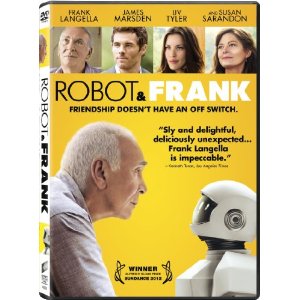
Best Movie (2012): Robot and Frank

51+8bERHc1L._SL500_AA300_

My personal award for Best Motion Picture on a Theme of Technological Interest goes to Robot and Frank.

Frank is an old guy whose family is finding it increasingly difficult to care for him as he descends into dementia, and so his son gets him a robot. The robot takes care of Frank by cooking meals, cleaning the house, and attempting to engage him in a more active, healthy lifestyle.

Obviously, the robot is the point of interest to the story from an engineering perspective, because Robot is a very plausible creature. So plausible that the story hardly qualifies as science fiction, and twenty years from now people who watch this movie might assume it’s simply about a man dealing with the hardships of old age.

When I first learned about the movie, I thought that having the protagonist be a former burglar was gimmicky. It’s not, it’s integral to the theme of how robots can be used and abused. I doubt a non-fiction documentary could have explored the subject as well from an emotional, personal, human viewpoint. Especially the last scene.

In this movie, no one is killed or tortured, hence it was passed over for an Oscar nomination for Best Picture. No one becomes a vampire or a zombie, let alone slays one (let alone slays thousands), hence Robot and Frank didn’t do well at the box office. Younger audiences might be bored because it appears to be slow-paced. I say ‘appears,’ because after going over the scenes in my mind, I realize that stuff I thought was just ‘filler’ or random was actually integral to the story. So while kids might be bored, the movie does make you think, and for some of us, thinking about things that really matter is a high form of entertainment indeed.

And as an older guy myself, I kept thinking, “I want one of those.” Indeed, looking around my apartment, I realize it can’t get here too soon.

(You can find the DVD on Amazon here, and Instant Video here, though I got it at Redbox.)

Posted in Uncategorized | Tagged , | Leave a comment

Modifying Scratch Interface

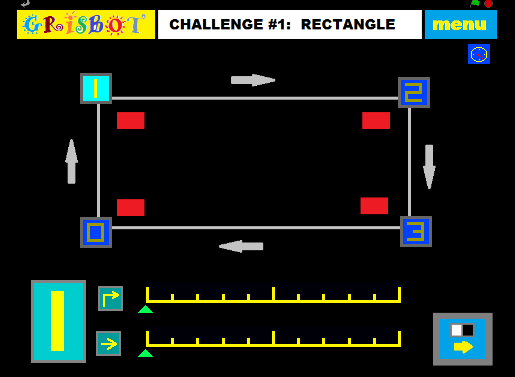
Perhaps I’m trying to fix something that isn’t broke, but I thought I’d try to improve the Grisbot:Scratch interface. Instead of clicking an icon in the corner to go to the specific waypoint data, you now click the waypoint sprite and the data is displayed. I think this makes the map more ‘interactive.’

zzz1

If there’s anything I don’t like about Scratch, it’s the low resolution. Circles and numbers made in MS Paint were looking jaggy, so I decided to make the waypoints into squares and hand-draw the numbers. It still doesn’t look professional, but it’s as good as I can get at this point.

Now onto the next page:

zzz2

I have a stop watch sprite in the upper right hand corner. Click on it and it shows the elapsed time (not shown here). The idea is that the user can time how long it takes to complete the challenge as a form of competition.

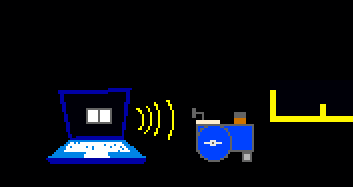
There is also going to be a little robot ‘bug’ that marches atop the flashing rectangles, going from left to right as the data is sent, so that no one need ever ask, “Are we there yet?”

I want to make some more challenges, and add the capability to have more than four waypoints. That’s what will keep me busy this upcoming week.

Posted in Uncategorized | Tagged , , | Leave a comment

Grisbot: User Interface in Scratch

This is a brief video demo of the Grisbot user interface in the Scratch programming language. The servo timing scales move according to the ‘glide’ command, and to me at least are reminiscent of the diagnostic readouts in Dr. McCoy’s sickbay.

The low-cal button on the second page should go dark when the transmit button is pressed. I will fix.

The flash speed is set at a slowpoke one-second interval for diagnostic purposes. I’ll soon find out how much faster I can go now that I’m assured the data is transmitting.

I have yet to write a program for the robot to interpret the data transmission from Scratch, but that should require only minor tweaking of the program I wrote to receive data from Processing.

Posted in Uncategorized | Leave a comment

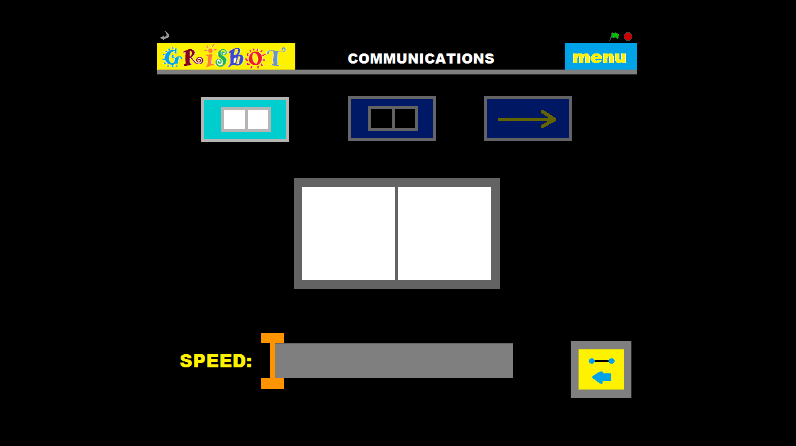
Grisbot Scratch Communications Screen Layout

scratch screenshot 06

This communications screen layout is an improvement over the one I used in Processing. The user goes to the comm screen, holds the robot up to the screen and turns it on, and calibrates the high values. Then the user clicks the low button (top, middle) and calibrates the low values. Then the user clicks the transfer button (arrow) and the data is flashed to the robot.

The orange slider on the bottom adjusts the transmission speed. Too slow is inefficient, too fast may cause errors.

At this point, it looks like everything is done for Grisbot Scratch except figuring out how to flash the data. Which, of course, is The Big One.

Posted in Uncategorized | Tagged , , , | Leave a comment

Broadcasting in Scratch

Suppose you click on one sprite and you want other sprites to move accordingly? I have that problem when I click on the waypoint button and want the turn and move controls for servo timing to show the values selected for that particular waypoint. Since all Scratch code must be attached to a sprite and triggered by an event, the solution is to use Scratch’s broadcast command.

broadcasting

On the left of this example, I click the wp_button sprite to change the waypoint, and at the bottom you see that this broadcasts the word ‘wpchange.’ On the right, you see that the move button sprite responds to the broadcasting of the same word. Now, there’s nothing special about the word ‘wpchange,’ it’s just the word that I chose to broadcast and receive. You could have a hundred, or a thousand, or who knows how many events occur in the coding of one sprite, and then broadcast them to other sprites to trigger respective actions, so long as you choose to broadcast and receive different words each time.

In a nutshell, it’s kind of like you’re making up a language for the sprites in your program to communicate with each other.

Having grasped and implemented this concept, I am now done with the servo timing slider bars. I’ll work on the left/right forward/back buttons next, and then it’s on to flashing the robot commands, and then I’m done with Scratch for now.

Posted in Uncategorized | Tagged , , , , | Leave a comment