Shopping at Vetco

vetco

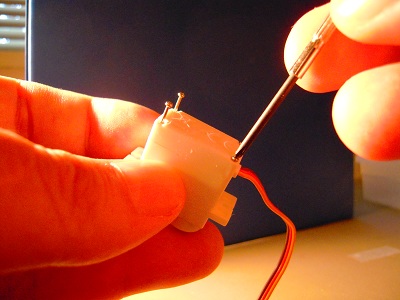
I shopped at Vetco today here in Bellevue and came across these pretty good deals. For about a dollar each, you can get six LEDs, a toy motor, and a piezo buzzer. From what I’ve seen, these prices are competitive with eBay.

BTW, this is the first time I’ve seen blue LEDs at the same price as red, green, and yellow. Usually I’ve seen blues costing about a dollar each.

Posted in Uncategorized | Tagged | Leave a comment

Visual Aids for Reading The New Cool

The New Cool: A Visionary Teacher, His FIRST Robotics Team, and the Ultimate Battle of Smarts

The FIRST Robotics competition is held nationally every year and involves high school robotics teams competing at the highest level. To give you an idea of how challenging it is: the game design changes every year, and the game manual is a huge book in itself.

The New Cool is about a robotics team called the D’Penguineers (aka Team 1717) when it competed in the 2009 FIRST competition. The book doesn’t have any pictures, and since much of the story is about the physical design of the robot, I recommend you read the book with a computer tablet so that you can google and youtube pictures and videos as you go along.

As an aid to that, here is the link for the D’Penguineers Wikipedia Entry which links to other sites that contain photos and videos.

Here’s the D’Penguineering site.

And here’s the Youtube video of the 2009 D’Penguineers in action:

By the way, they’re going to make a movie about this. I am looking forward to it, but I can also see a million ways it can go horribly wrong — starting with when a studio executive scrawls upon the first draft of the script the fatal words, “NEEDS TEEN LOVE INTEREST.”

Posted in Uncategorized | Tagged , | Leave a comment

This post is not about PAX

Just to let you know how out of touch I am with the gaming world, PAX was held this weekend in Seattle and I didn’t find out until late Saturday.

I thought I should go, to write an article for a budding (and yet to begin) career in Yahoo Contributors Network. But when I went to the convention center today at around 2:30 PM, the besweatered guardians at the door informed me that the event was sold out. Alas, I’m in late middle age and my grappling-hook-hurling-and-rope-climbing days are over.

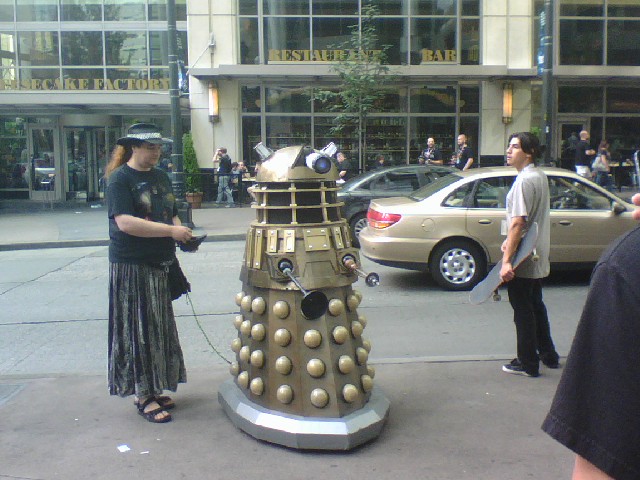
So all you get is this photo I took outside, of a Dalek walking its pet human.

dalek

Posted in Uncategorized | Tagged , , | Leave a comment

Why fuzzy logic?

Fuzzy Thinking: The New Science of Fuzzy Logic

I found this book at Goodwill over the summer and I’ve always wanted to know about fuzzy logic so I decided to read it. Since I do a lot of stuff with microcontrollers and fuzzy logic has been applied to microcontrollers, it seemed an appropriate use of my time to read this book.

However, I really didn’t get it. I don’t just mean that I don’t get the concept of fuzzy logic. I mean that I don’t get the necessity of even having it.

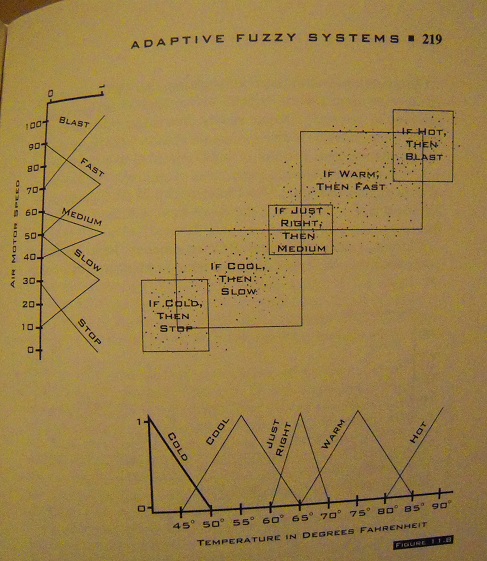
The problem is that while he went into considerable depth over the philosophy of fuzzy logic, there’s only one specific example of a practical application that stands out, and that is for a fan whose speed is adjusted depending on the temperature. I agree that it’s better to adjust the fan speed variably rather than have it turn on or off at a specific temperature. What I don’t get is why we have to create an entire philosophical and mathematical framework to do something that can be addressed with a series of linear equations embedded within a case-switch statement.

Allow me to illustrate. Here’s his graphical analysis of the temperature/speed relationship:

fuzzy

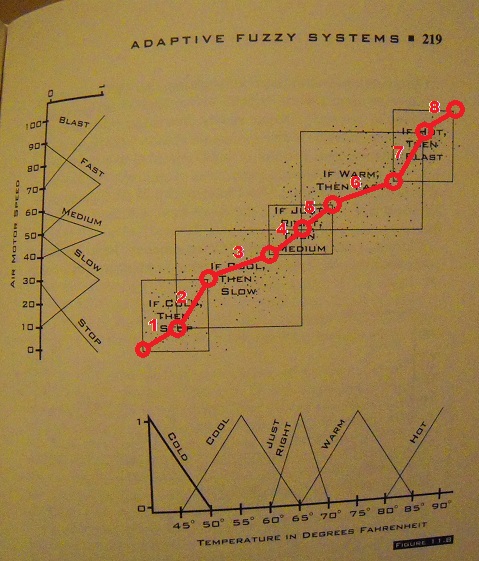
If I were programming an ATTiny to do this, I would first fit a ‘curve’ to the data and identify linear temperature-speed relationship zones, like so:

fuzzy2

Next, I would assign zones by incrementing a temperature-driven variable. Then I would best-fit (aka ‘guestimate’) the linear equations of temperature versus fan speed for each zone. I think it would take about an hour to go from graph to equations to an actual program. Compared to several hours just to read this book, and days to take a university course in fuzzy logic.

Maybe if I did take that course, I would understand why I needed to take the course. But for now, it appears to me that fuzzy logic is equivalent to a set of linear equations fitted to the set of empirical data points. And that I already know how to program.

Posted in Uncategorized | Tagged , , | Leave a comment

Memory Palaces and Arduino Park

A couple years ago I spent some time in Sketchup designing a 3D model of the Arduino Uno. Then I thought, “Why not magnify it a thousand times and have a guided tour?” Hence, Arduino Park:

The video turned out to be somewhat popular. But why? I think it has something to do with Memory Palaces.

I recently came across the concept of a ‘memory palace’ in the book, Moonwalking with Einstein: The Art and Science of Remembering Everything. The book contains many techniques about how to improve your memory. Perhaps the most important is known as a ‘memory palace.’

As explained in the wikipedia entry, a Memory Palace (or ‘Method of Loci’) is:

a mnemonic device introduced in ancient Roman and Greek rhetorical treatises (in the anonymous Rhetorica ad Herennium, Cicero’s De Oratore, and Quintilian’s Institutio oratoria). The items to be remembered in this mnemonic system are mentally associated with specific physical locations.[1] The method relies on memorized spatial relationships to establish, order and recollect memorial content.

The Greek poet Simonides of Ceos originated the Memory Palace concept when he attended a banquet and narrowly escaped a roof collapse that killed many of the guests. The bodies pulled from the wreckage were badly mangled, but Simonides found that he could recall where everyone had been sitting and so was able to identify who was who.

Simonides went on to realize that by using his imagination to associate images with physical locations, he could enable himself to remember much more detail than he could otherwise. And ever since, the Memory Palace has been a popular technique of students and scholars.

So why is this technique effective? As explained in Moonwalking, it may have something to do with the evolution of the human brain, which was directed toward remembering where the berries are and the lions aren’t, and not so much toward remembering long sequences of words and numbers.

Anyhow, it occurs to me that virtual worlds could be used as memory palaces. For example, you can read about how a biological cell functions, and you can watch a video about how it functions, but it might be even more memorable to navigate through a giant model of a cell inside a virtual world. Or how about learning a language, where each lesson corresponds to a different part of a castle or magical forest?

The educational software programs that I’ve seen rely on visual images and games but I’ve yet to see one that fully uses 3D navigation as a mnemonic device. Perhaps it’s a frontier that should be explored.

Posted in Uncategorized | Tagged , | Leave a comment

The Case for Personal Rapid Transit

people mover 03

Going from LA to San Francisco in only thirty minutes is not that much an improvement in convenience if it takes an hour on each end of the trip to get to and from the hyperloop station. The real transportation crisis is in moving people around cities.

With robot drivers, Personal Rapid Transit (PRT) vehicles are more sensible than ever. They can be hailed by smart phone, and programmed by the passengers (verbally or by pointing to a map) to drive to any destination desired. The robot-steered cars can transfer via ramps to existing roads, so that you can have door to door service.

I live about six miles from downtown Seattle. It takes almost an hour to drive there and park and walk to my destination, even with light traffic. A PRT traveling at just thirty miles an hour would get me to my destination, door to door, in about twenty minutes.

people mover 05

The tracks can be dumb slabs of concrete, built over the median strips of existing roadways. They don’t need to be electrified, they don’t need lights, they don’t need magnetic chargers. If you keep the cars small then there’s no reason why the tracks have to be huge.

Today we have freeways than don’t allow pedestrians or bicyclists. In the future, there will be transportation routes that only robots can drive. Perhaps it will come in fifty years, but we could sure use it now.

people mover 04

Posted in Uncategorized | Tagged , | Leave a comment

Converting a micro servo to continuous rotation

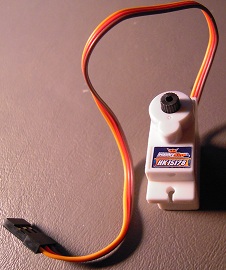
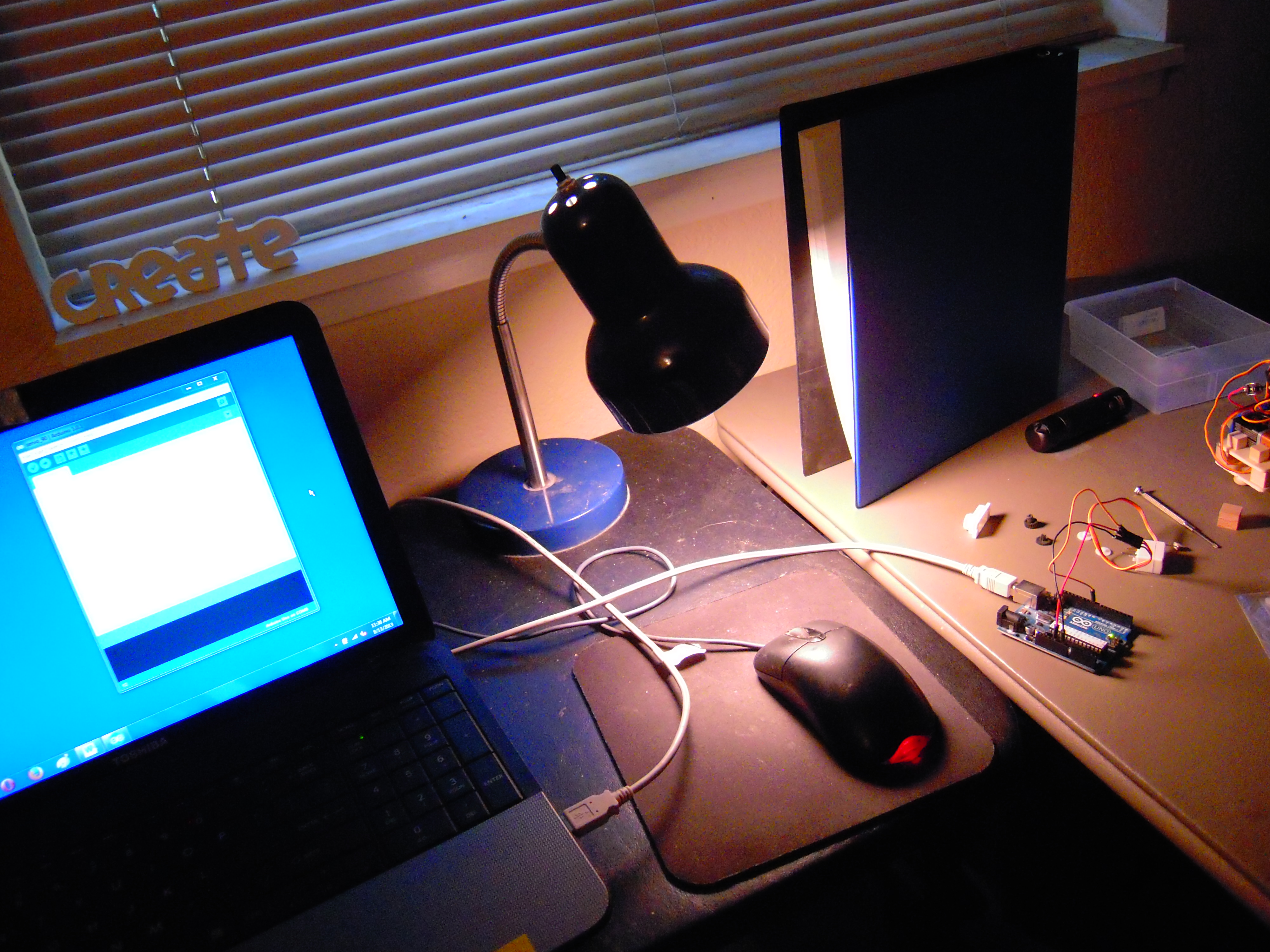
servo01

Say you want to build a small robot, but you soon discover that DC motors move too fast and geared DC motors are too expensive. Then you hear about servos. Servos are basically geared DC motors, and microservos seem just the right size for your robot.

So you attach a couple to your wheels and . . . the wheels move about half a turn and stop.

What gives? Your microservos probably have a fixed sweep angle. They need to be ‘converted’ to continuous rotation. This blog entry will describe how to do that. I’ve tried this procedure on several brands, and they seem to be the same.

You’ll need:

*a tiny screw driver

*a 1/16″ drill bit

*wire clippers

*glue

*prying tool

*needle-nosed pliers

*emery board

*Arduino.

In each of the following steps, I focus on doing and not explaining. Explaining is good too, but perhaps another blog entry, another day.

It only takes a few minutes to convert a micro servo, but I recommend reading all the steps before starting.


1. Open the servo.

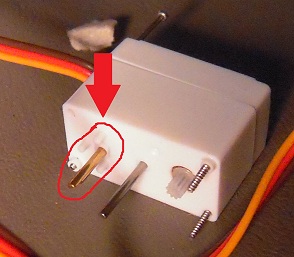
Use your tiny screwdriver to unscrew the tiny bolts from the bottom of the servo. You don’t have to pull the bolts all the way out.

servo02

You just need to pull the bolts out far enough to pull off the top of the servo, which you will set aside for now.

servo03

2. Remove the gears.

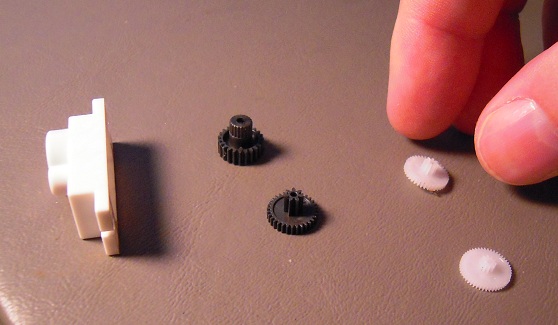
GENTLY pry the gears off the servo.

servo04

Keep track of the order and position so you can put them back the same way later.

servo05

3. Connect the servo to an Arduino.

The red line goes to the 5v header hole, the brown (or black) to the ground header. The remaining line (often yellow or white) goes to pin 10.

servo06

4. Program the Arduino to center the servo at 90 degrees.

Copy and paste this code into your Arduino IDE:

//servo 90

#include<Servo.h>

Servo myservo;

void setup(){
myservo.attach(10);
}

void loop(){
myservo.write(90);
}

Send it over to the Arduino. BE PREPARED: The servo will start whirring!

DSCN5603

5. Center the servo.

See the potentiometer shaft?

servo08

Slowly twist it clockwise and counter-clockwise GENTLY. The motor will whir rapidly, then slow down, then speed up again. Adjust the shaft so that the motor either stops or goes as slow as possible.

servo09

6. Glue the shaft in place.

Detach the servo from the Arduino. Glue the base of the potentiometer shaft so that it will no longer be able to turn from the 90 degree position. You’ll want to keep the servo oriented so that the glue doesn’t run.

servo10

7. Remove the gear stops.

Get the big potentiometer shaft gear.

servo10a

See the little nubs on the bottom of the big gear?

servo11

Snip them off with the clippers.

servo12

To ensure that nothing remains to stick out from the gear base, you may want to use an emery board to rub the stubs of the nubs. (Sorry for the Dr. Seuss rhyming, it was unavoidable.)

servo13

servo14

8. Widen gear holes.

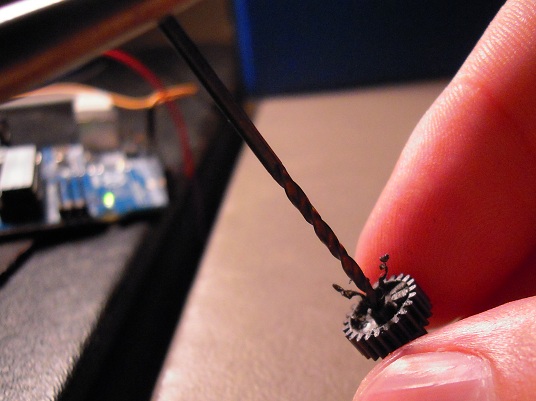
Again, take the big gear that goes on the potentiometer shaft. Stick the drill bit into the hole, and twist it through, widening the hole.

servo15

servo16

servo17

servo18

Obtain the other potentiometer shaft gear.

servo19

And now widen the hole for the other gear, like so:

servo20

9. Wait for the glue to dry.

sleepy

10. Test the servo.

Reconnect the servo to the Arduino as before. Try different angle values in the myservo.write() command: 90, 0, and 180. The servo should stop or move slowly, then move fast in one direction and then fast in the other.

Here, as a visual aid, is the same photo of the setup that I used before:

DSCN5603

11. Put the gears back on.

Which will be easy because you remembered to keep them in the proper order.

servo05

12. Close ‘er up.

Here’s the same picture I used in Step #2. Imagine I’m twisting the screwdriver the other way:

servo02

And this looks familiar too.

servo01

13. Repeat with the other servo.

Because there are two servos per robot, one for the left wheel and one for the right wheel:

servo21

14. Congratulate yourself.

Armed with the knowledge of micro servo conversion, you can now build an army of tiny robots and conquer an entire table top in a matter of minutes. Good luck, Commander!

STAR

Posted in Uncategorized | Tagged , , , , , | 1 Comment

Activity Report: Remote Control Machines Kit

DSCN5336

The Thames and Kosmos Remote Control Machines Kit proved to be popular at the Big-Brained Superheroes Club this past Wednesday. The kit is a lot like LEGO and the kids quickly caught on to how the assembly diagrams work.

We didn’t get past building the second model, however, because the three-wheeled remote vehicle always had a waiting list of kids who wanted to play with it.

Pieces were always scattering onto the floor, and for that reason I don’t think the kit will survive long. Unless, that is, BBSC gets a 3D printer to replace missing parts. And then think of the fun that could be had by inventing new parts too!

Posted in Uncategorized | Tagged , , | Leave a comment

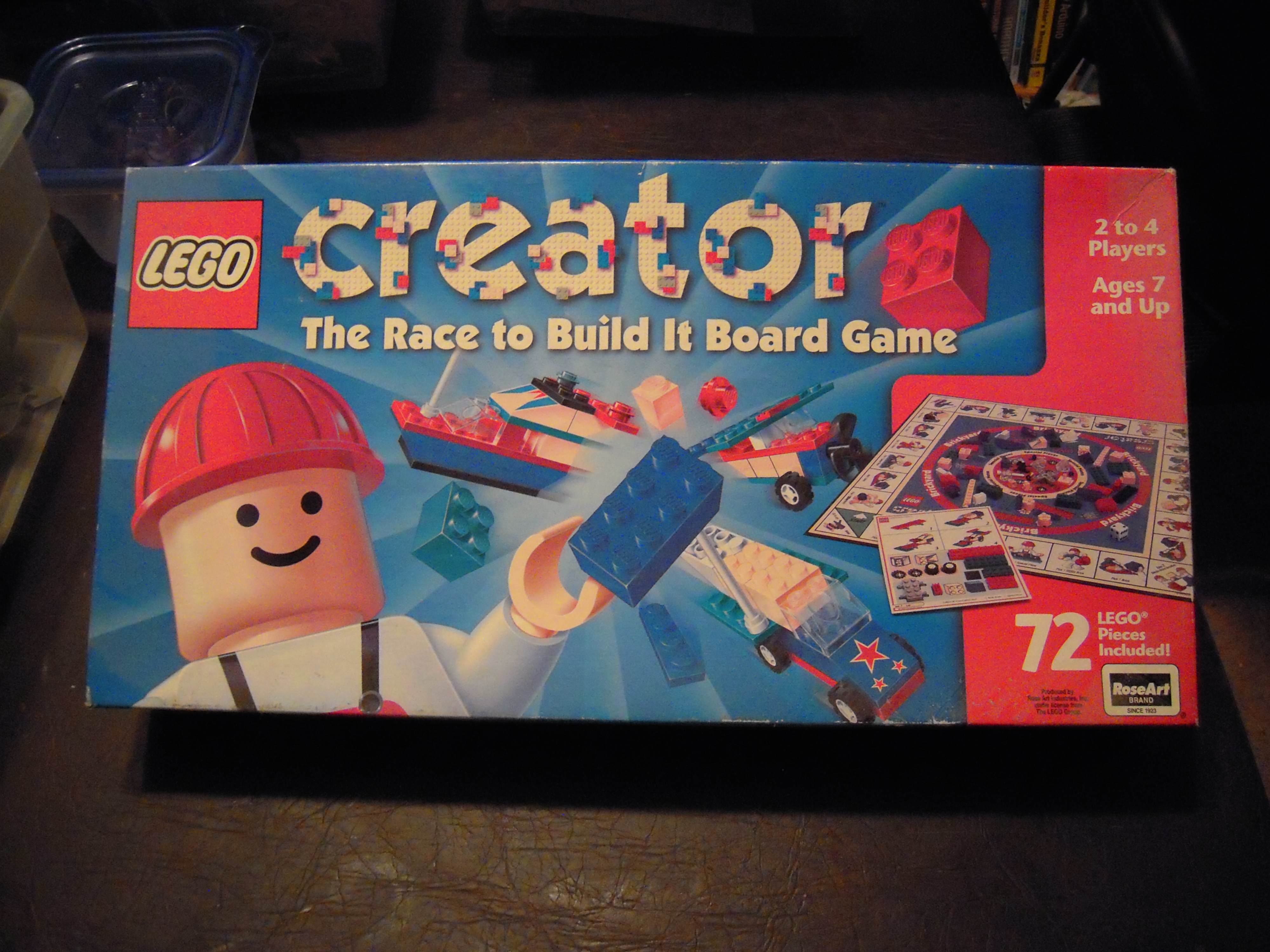
Kits and Games for Big-Brained Superheroes

For years now I’ve been collecting kits and other stuff that I haven’t been using. So I thought, why not let Big-Brained Superheroes use it? I’m willing to donate everything but the games, and I want to hold (no pun intended) onto the robot arm (for now).

***

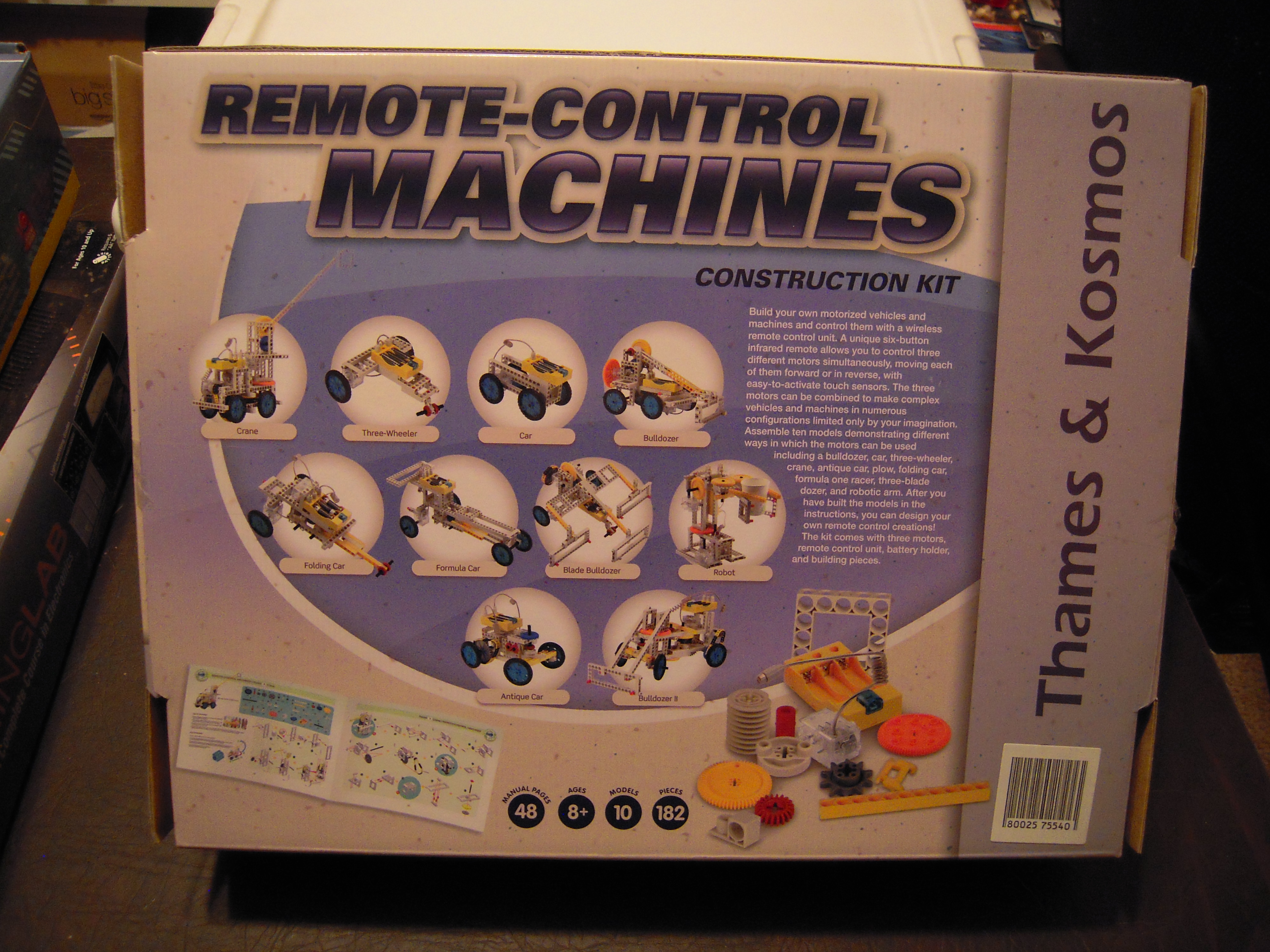
Let’s start our epic journey with this Remote-Control Kit:
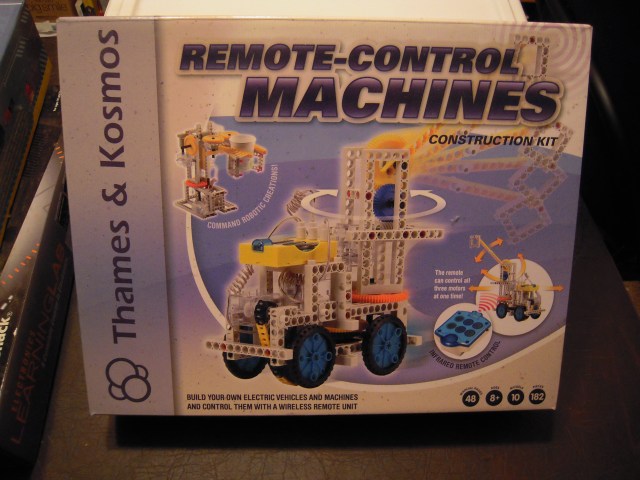
DSCN5336

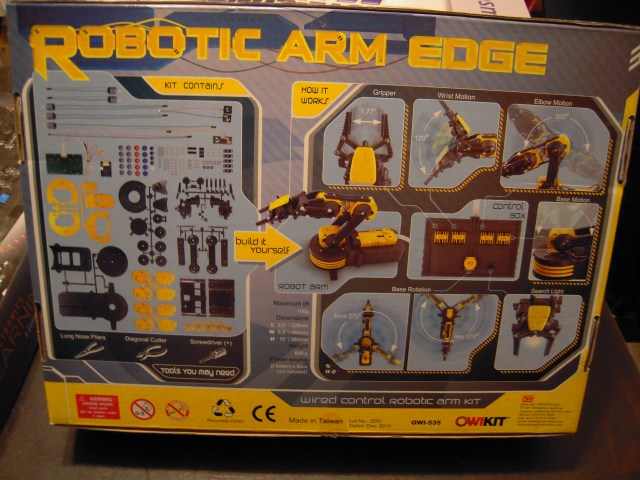
As you can see from the back of the box, it has quite a few projects that have a Lego-y feel to them, with the twist of being remotely controlled (by infrared):
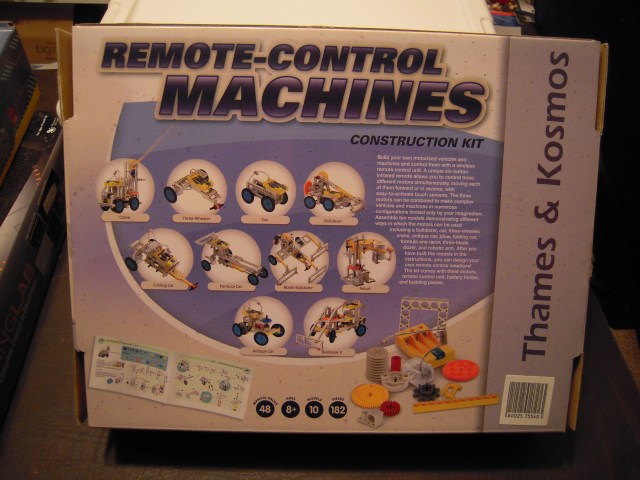
DSCN5337

***

Here’s the robot arm, which I can bring to the meetings and help kids assemble:

DSCN5338

DSCN5339

As you can see, it’s got lots of parts so it may be something of a challenge. Of course, it’s not something that you would throw at a kid and say, “Here, put this together.” Maybe the best way for this to work is for an adult to be assembling this on his own, and kids can come over and ask questions and help if they’d like.

Once it’s assembled, it’s likely to get quite a bit more use. Playing with it will teach kids basic concepts in how robots operate.

I want to hold onto this for now because I’ve got a notion of a project to ‘hotwire’ the remote control to an Arduino, so that the arm could be controlled by a computer program. Just how far I want to take that, I’m not sure, but that would be fun to see at BBSC too, wouldn’t it? Anyhow, in the end the group would probably end up getting to keep it.

***

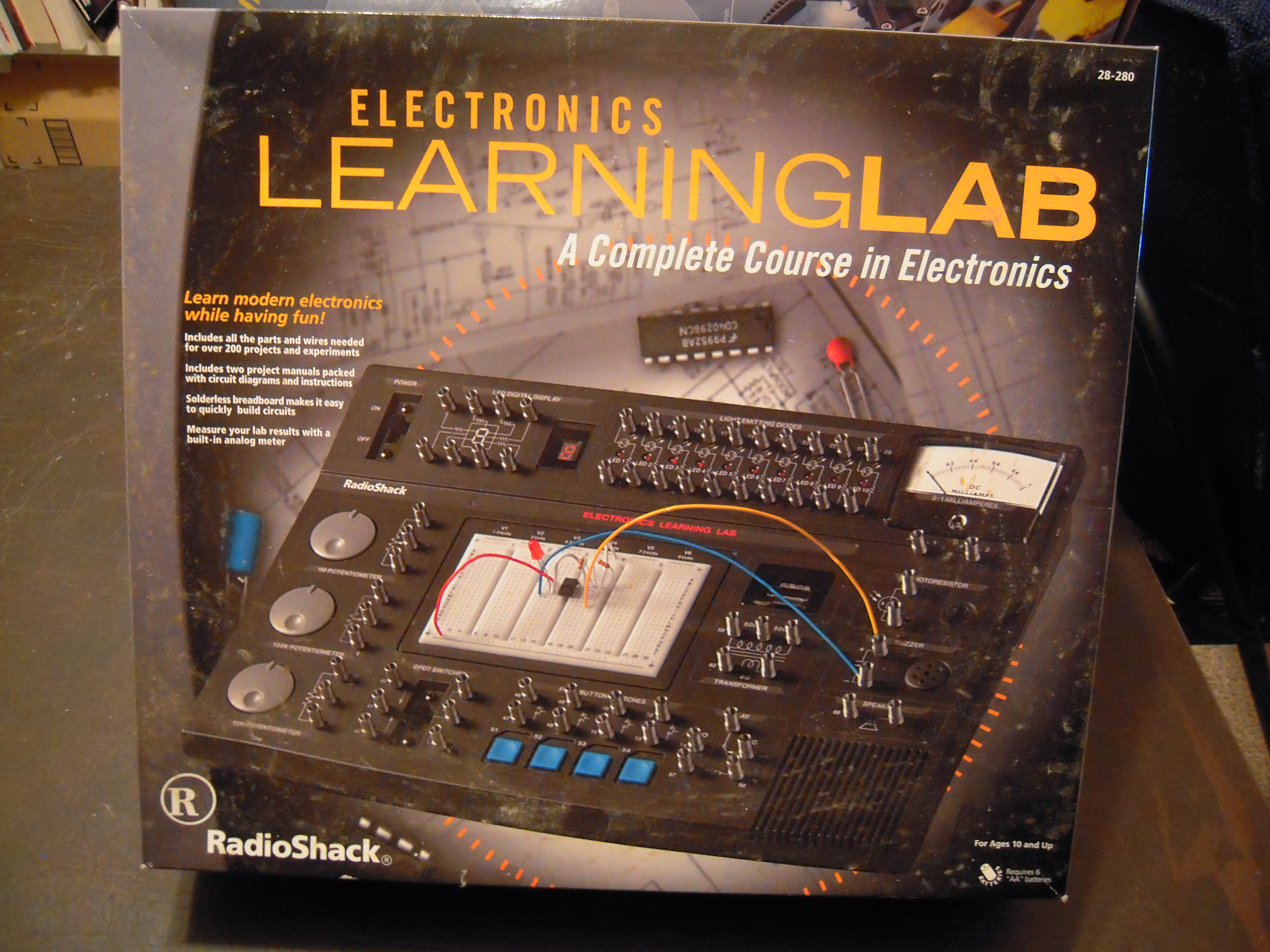
Now, this electronics kit has quite visibly been gathering dust even though it’s been all but untouched, and even my hoarder’s instinct acknowledges that it’s time to let go:
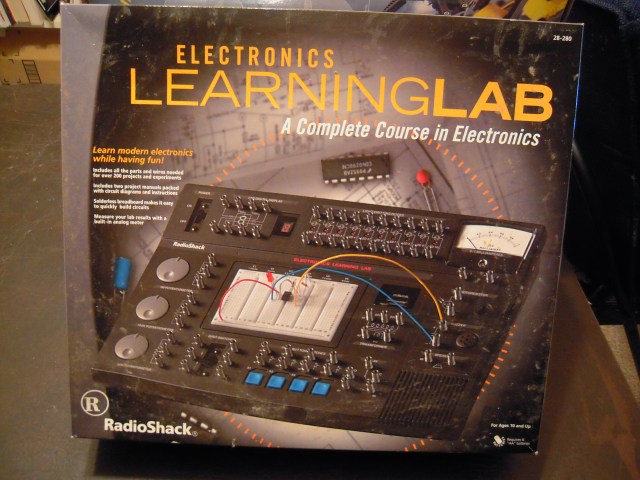
DSCN5340

For using this kit, it might be best to let the kid handle all the components and circuitry, while the adult reads aloud from the experiment manual.

***

Flash cards are great for math drilling to increase proficiency and speed for standardized tests:

DSCN5341

One way to provide incentive with flash cards is to reward small amounts of candy (say, an M&M) for going through the deck, for being error-free, and for finishing within a time limit.

***

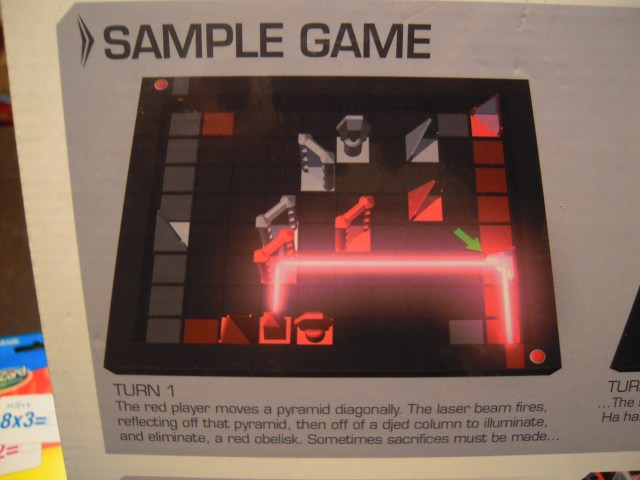
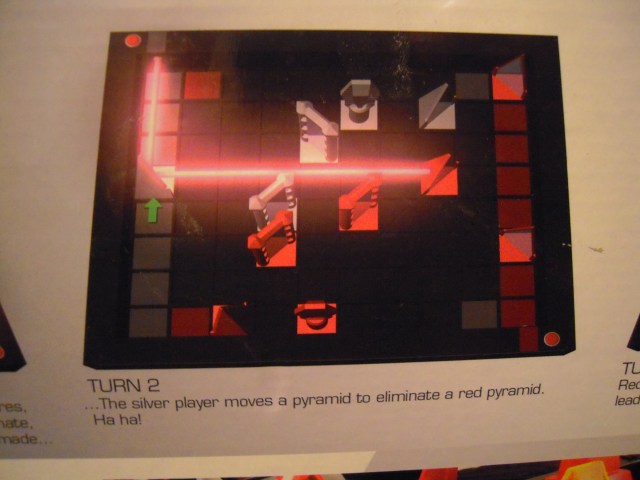
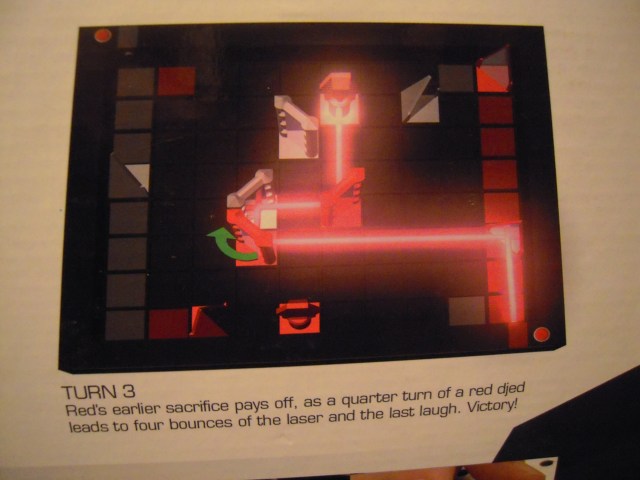
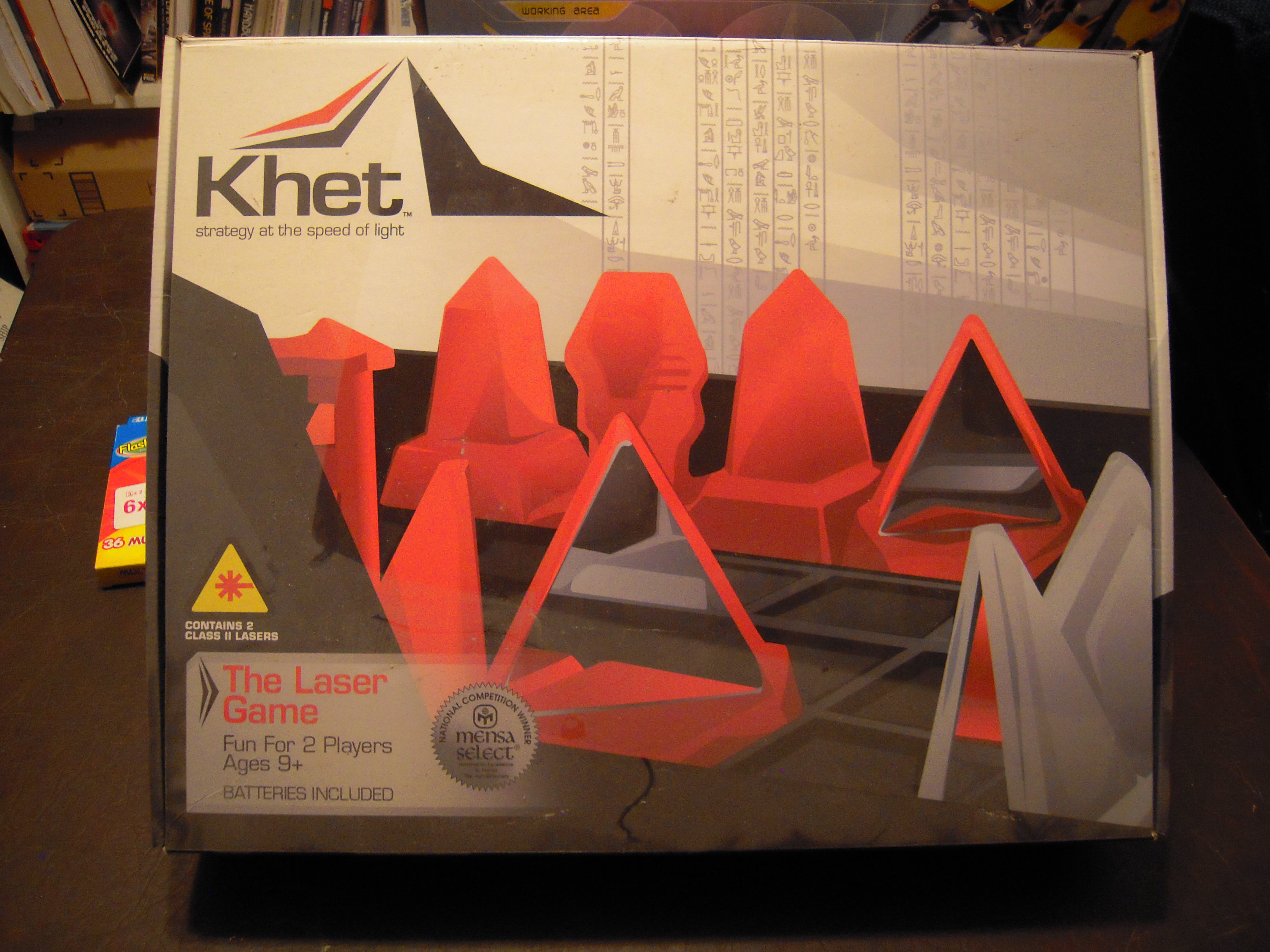
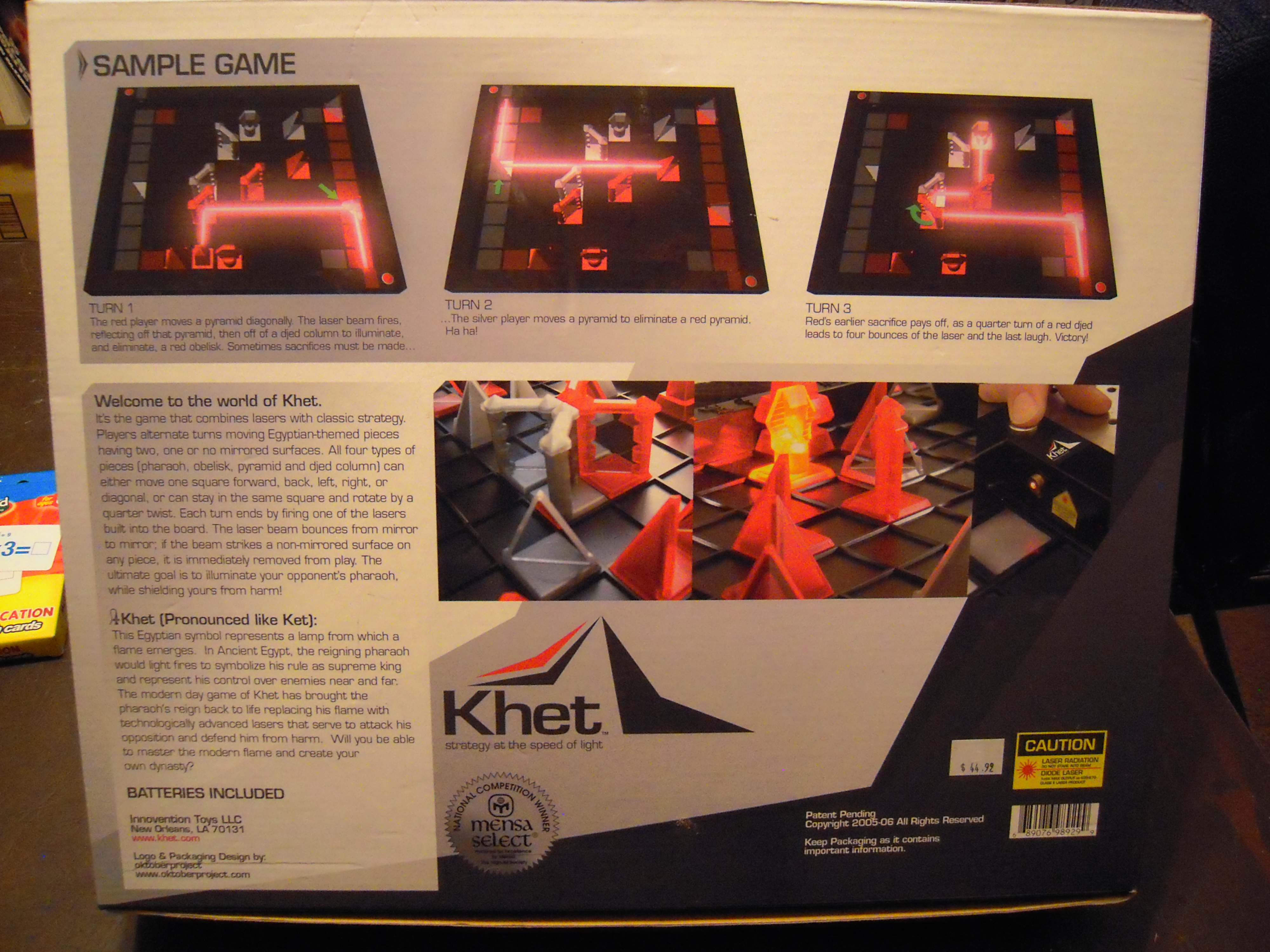
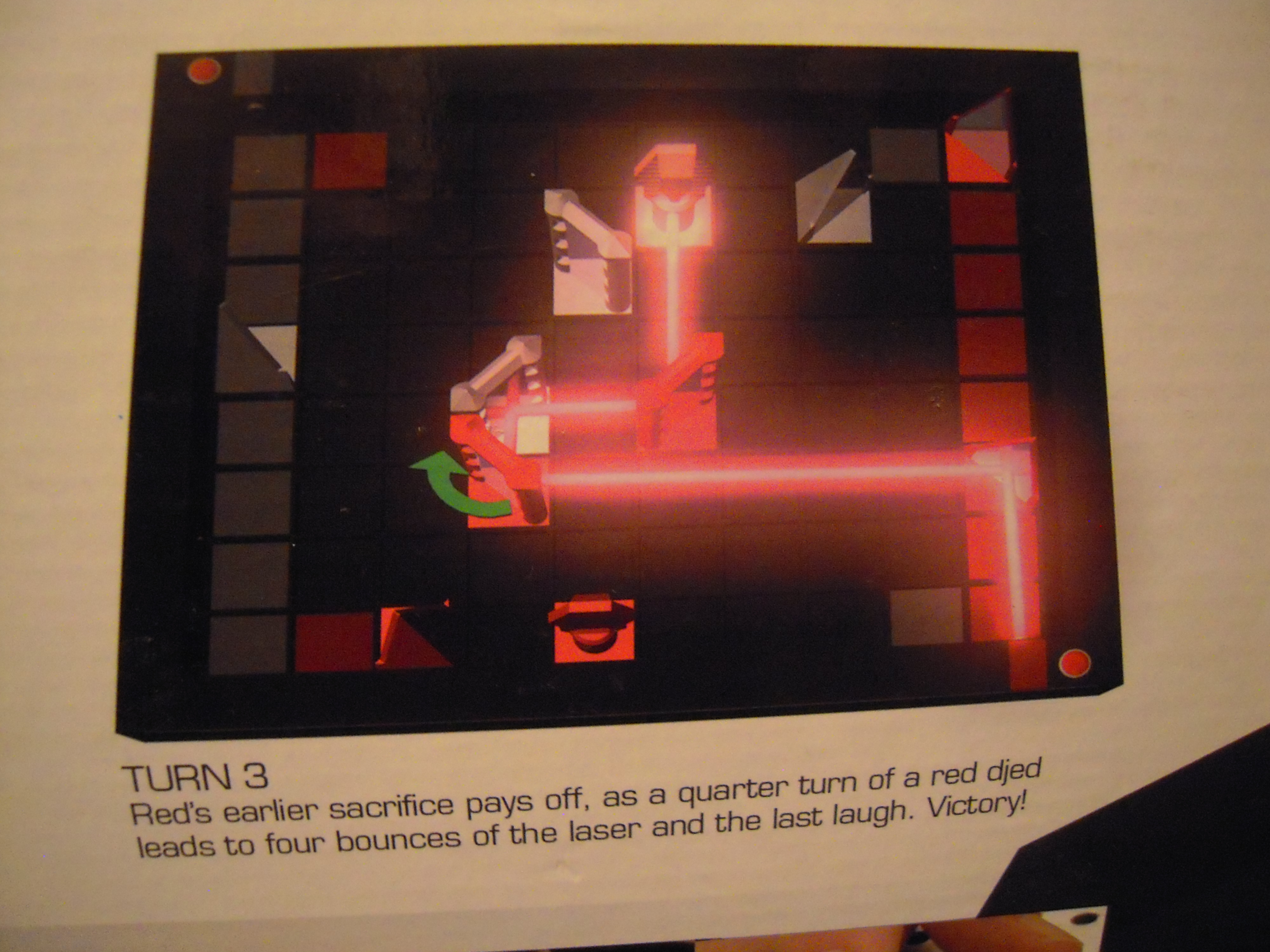
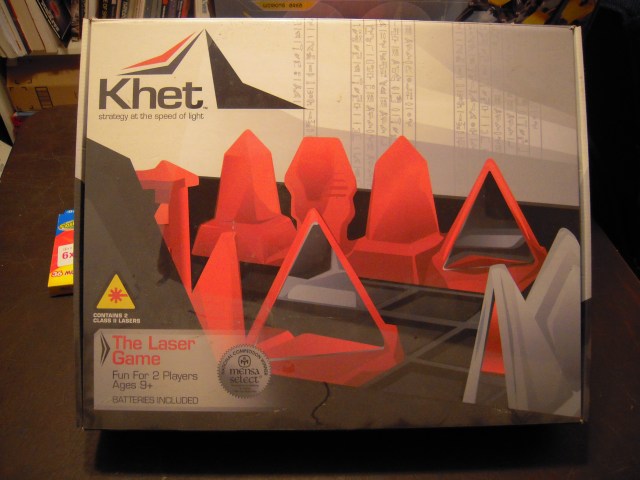
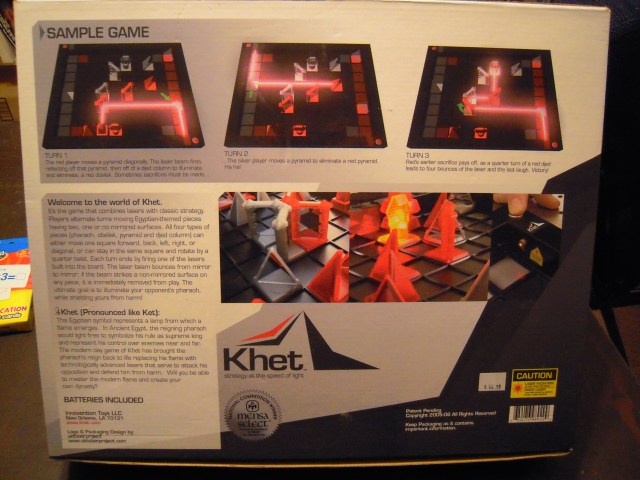
Here’s an interesting game called Khet, which might be described as ‘chess with a laser and mirrors’:
DSCN5342

DSCN5343

DSCN5344

DSCN5345

DSCN5346

I want to hold onto Khet, but when I come to the meetings, I’ll bring it and let others play with it. Games like this are justified educationally because they teach critical thinking, strategic thinking, geometric analysis, and — IT’S GOT A LASER!!! (Enough said.)

***

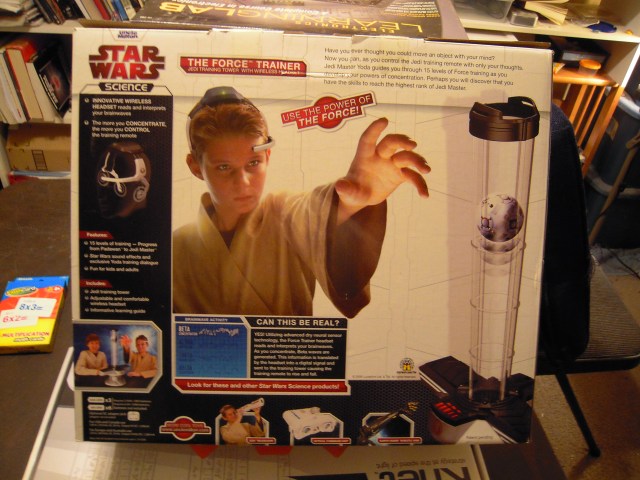
This looks hokey, but there are people who claim that it works:

DSCN5347

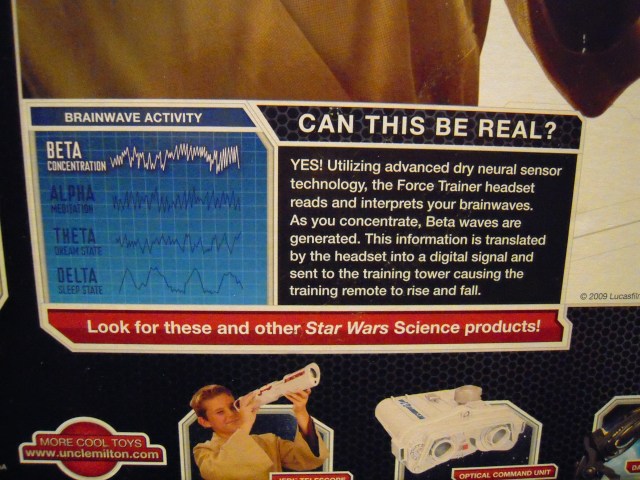
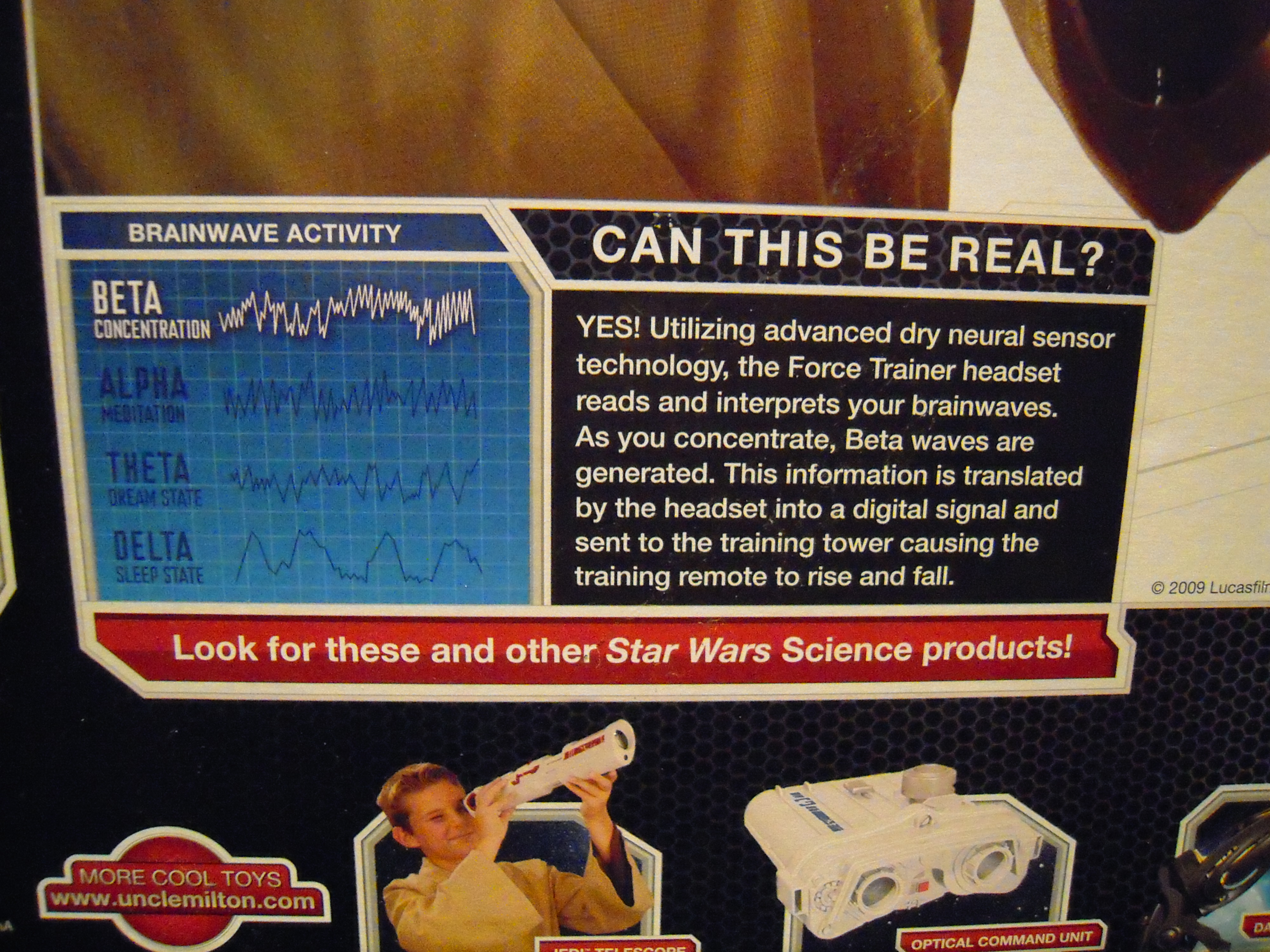
It doesn’t actually use The Force (“Awww!”). But the headband is supposed to read the user’s brain waves and transmits the data to a fan which drives the ping pong ball up and down the tube. Even people who claim that it works admit that it takes practice. Oh, and Yoda’s voice is there to ‘guide’ the young padwans!

For more info, read the back of the box:
DSCN5348

DSCN5349

You may be thinking, “It looks like fun, but how does it help the kids?” Well, controlling devices by ‘thought’ is actually a hot topic these days in consumer technology R&D. Letting kids play with something like this can certainly stimulate their imaginations toward a high-tech career.

***

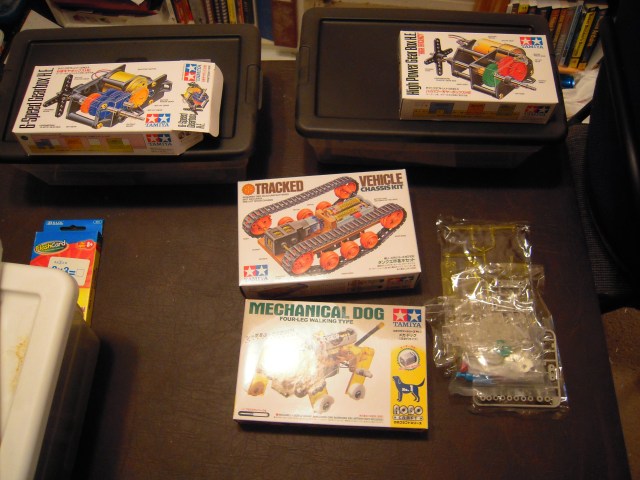
And now we come to various Tamiya kits:
DSCN5350

These two kits don’t look too interesting, so they may end up unopened, but at least we tried:
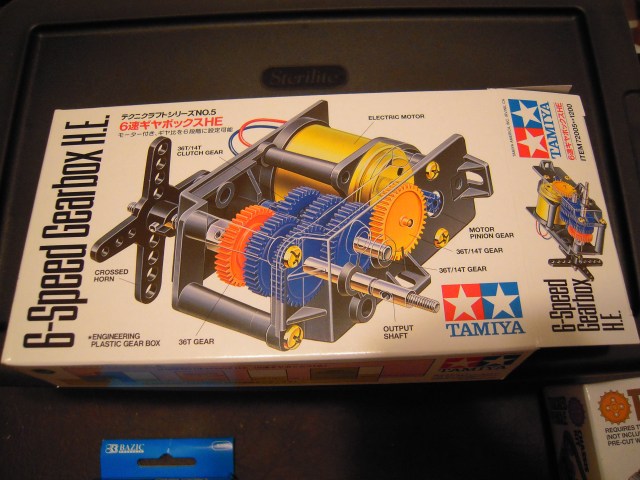
DSCN5351

DSCN5352

This ‘tank tread’ kit might be more interesting, but still it’s something for older kids:

DSCN5353

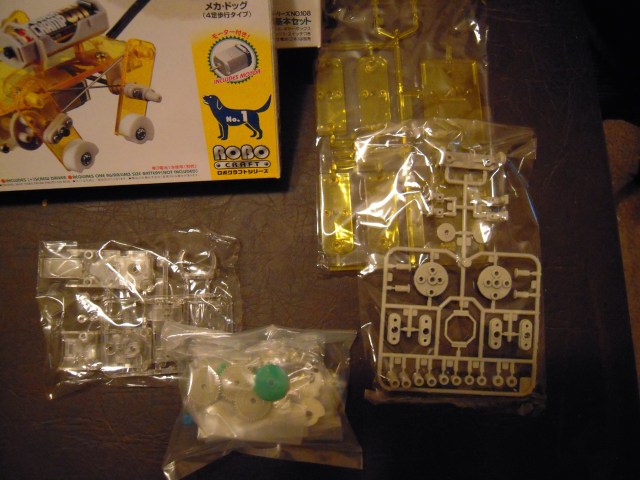
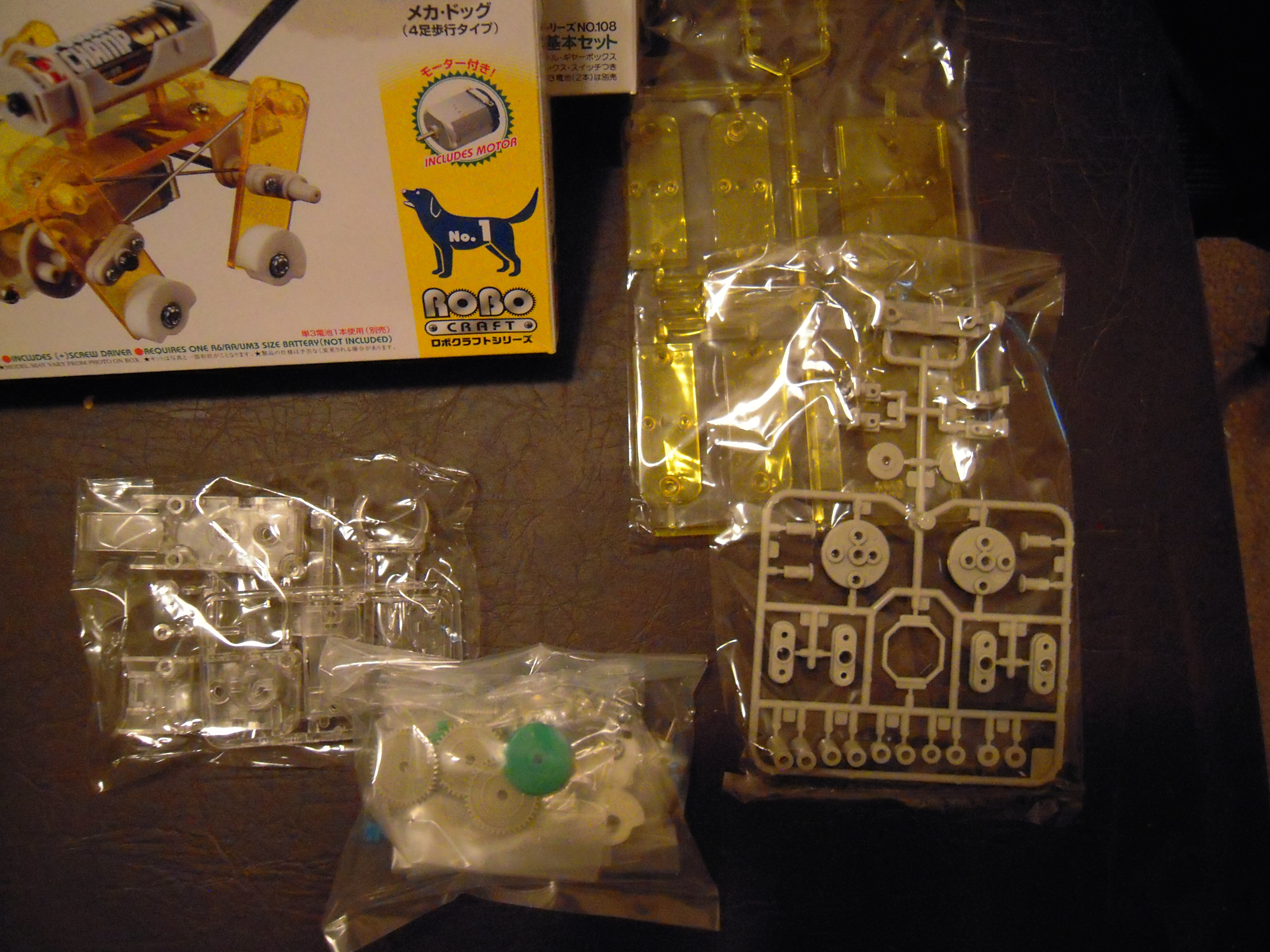
This is probably the most interesting kit, a ‘walking dog’:

DSCN5354

Here’s what’s inside the box:

DSCN5355

***

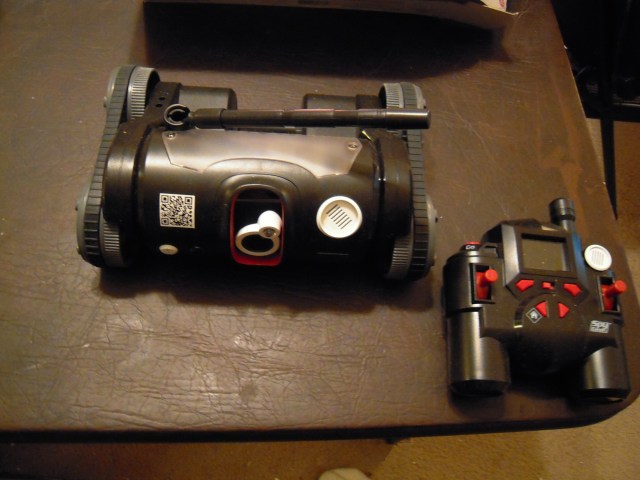
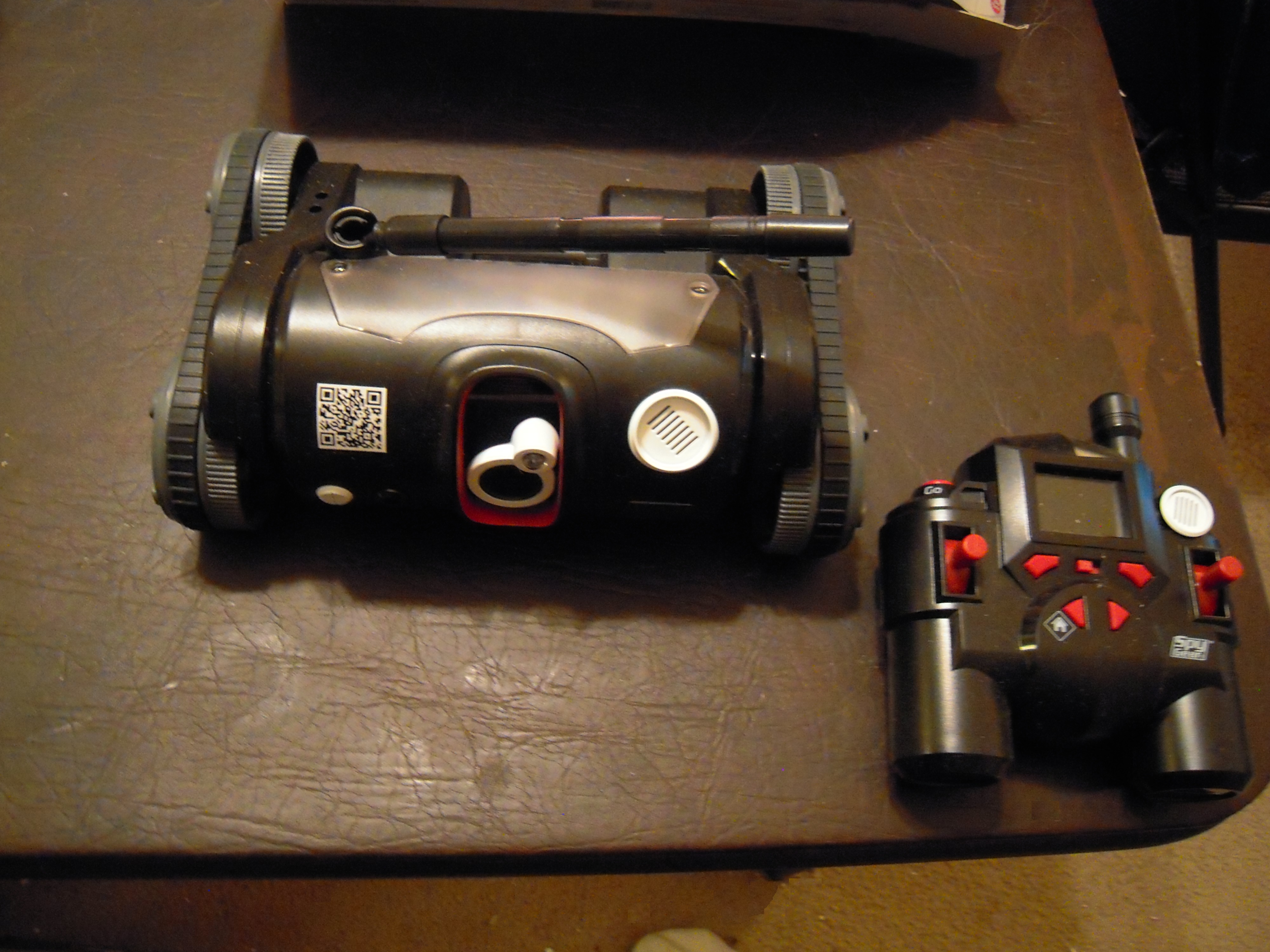
Here’s a remote controlled mobile ‘spy’ cam:

DSCN5356

DSCN5357

The remote control has a little monitor to watch what the robot is doing:
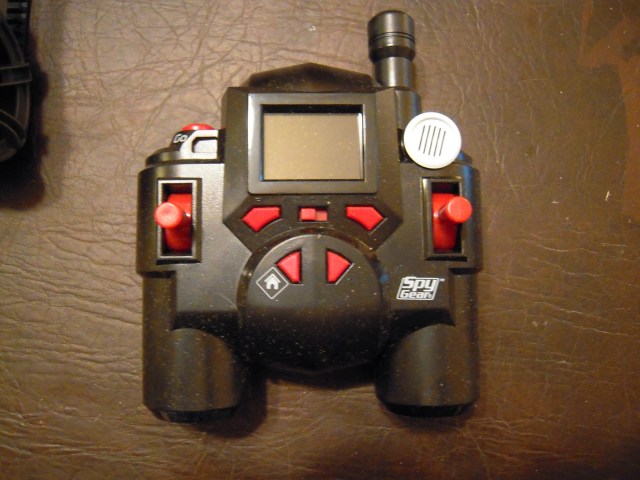
DSCN5358

BTW, this thing can be connected to a computer, though I’m not sure why. At any rate, we should probably brainstorm some ‘mission challenges’ such as running it through a maze, which can encourage critical thinking ‘superpowers.’

***

And finally, this is a great introduction in a game format for younger kids to enter into the world of assembling Lego toys (and thence to other forms of technology):
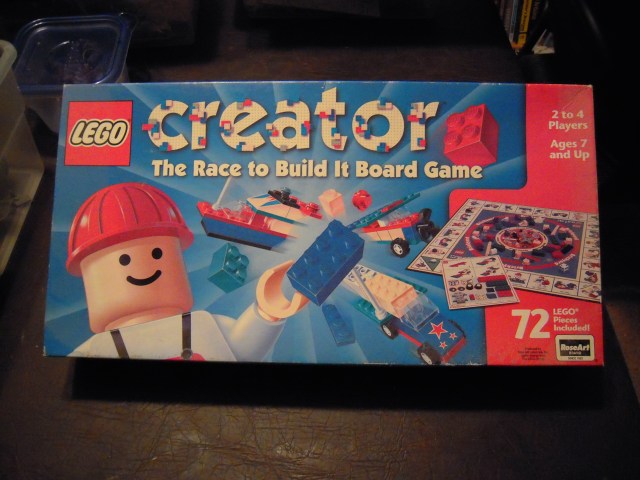
DSCN5362

I want to keep this, but again, I’m willing to bring it to meetings. I would like an adult to ‘supervise’ the games, simply because it is so easy to lose parts. Personally, I think it’s a great game for kids and if I may speak institutionally, BBSC will want to have its own set.

***

Anyhow, these are resources that BBSC can play and experiment with, to see what works in engaging the minds of kids. BBS mentors, your thoughts are welcome.

Posted in Uncategorized | Tagged , , | Leave a comment

From Scratch to Arduino Test Bed

scratch2arduino

In my last blog entry, I created a new graphical interface in Scratch for transmitting data to the microcontroller on the robot. Tonight I verified that the Scratch program is able to communicate via screen flashes with the Arduino test bed. In the above picture, the new action mode is shown in the Scratch code listing at left, and appears on the Arduino serial monitor on right. Mission accomplished.

The action mode value of “192” signals the microcontroller that it is to go to the light track procedure. Why ‘192?’ Well, because I’m sending the number of waypoints and the action mode in the same byte, and the first three bits are for the number of waypoints (ie, 0 to 7) and the upper three bits are for encoding the action mode. Hence action mode values must be combinations of 32, 64, and 128. The restriction wasn’t a problem at first but now I have nine action modes and I’m thinking I need to revise the protocol for the sake of future expansion.

Posted in Uncategorized | Tagged , , , | 2 Comments