
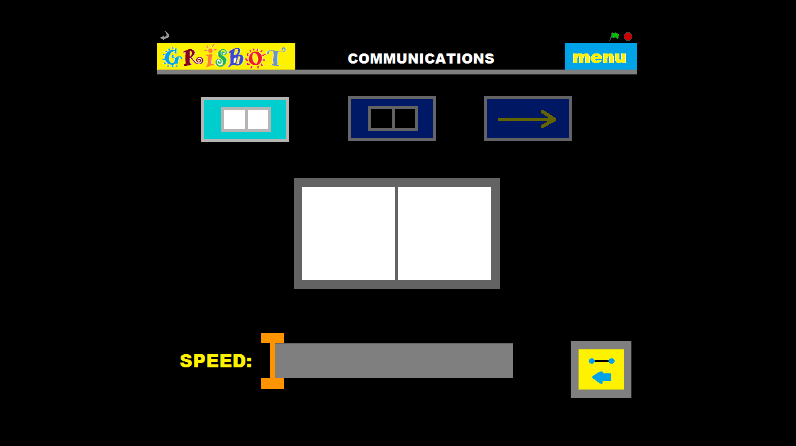
This communications screen layout is an improvement over the one I used in Processing. The user goes to the comm screen, holds the robot up to the screen and turns it on, and calibrates the high values. Then the user clicks the low button (top, middle) and calibrates the low values. Then the user clicks the transfer button (arrow) and the data is flashed to the robot.
The orange slider on the bottom adjusts the transmission speed. Too slow is inefficient, too fast may cause errors.
At this point, it looks like everything is done for Grisbot Scratch except figuring out how to flash the data. Which, of course, is The Big One.

 Engineer Zero